
Client Introduction
Shadowrocket
Shadowrocket is a common iOS compatible client. Add a subscription with the Subscribe type, choose a node, then connect with the upper-right switch.
Get subscription
Copy the subscription URL from your provider.
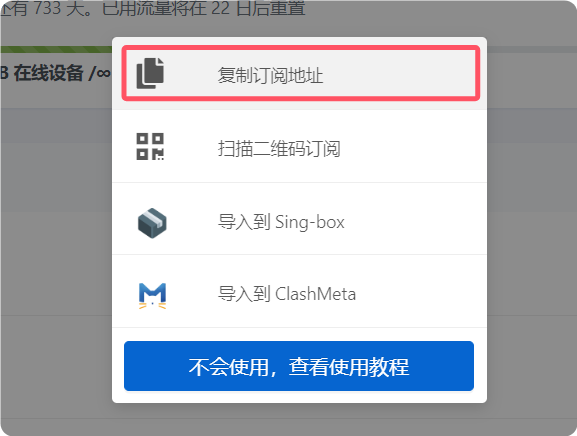
Add subscription
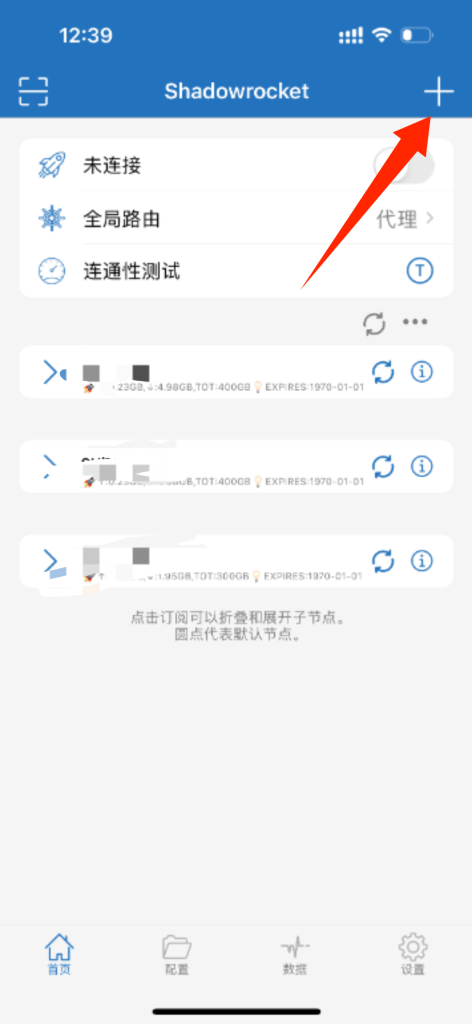
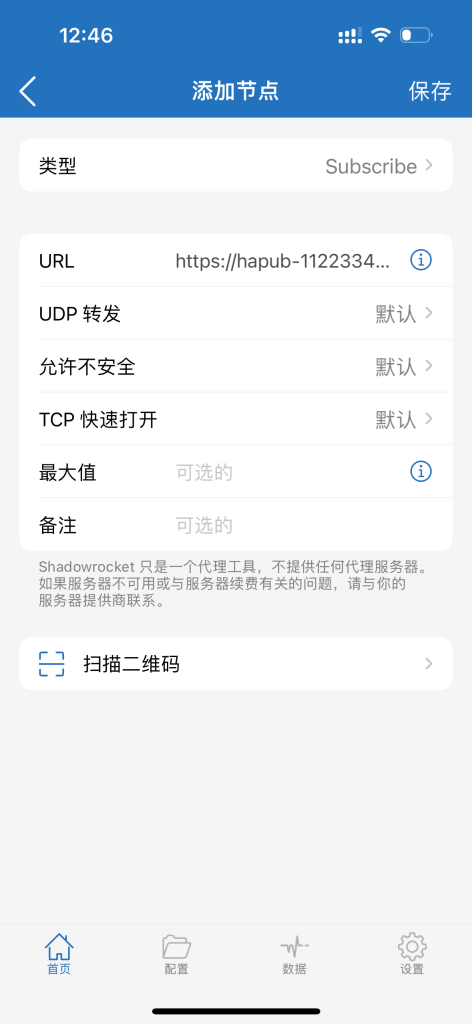
Open Shadowrocket and tap the plus button in the upper-right corner. Set Type to Subscribe, paste the subscription URL into URL, keep the remaining options as default, and save.
Select node
After updating successfully, tap the subscription you just added and select a node to connect.
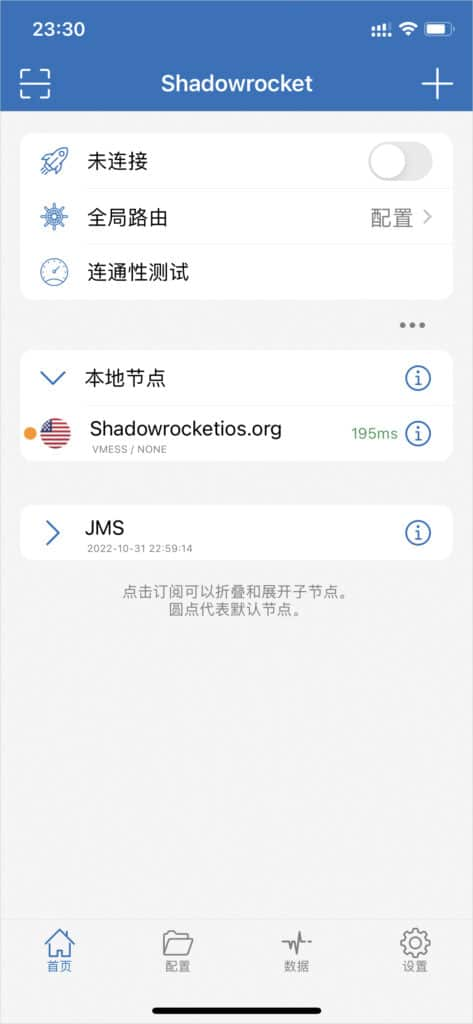
Enable proxy
Turn on the switch in the upper-right corner to connect. Traffic will be routed through the active Shadowrocket profile.
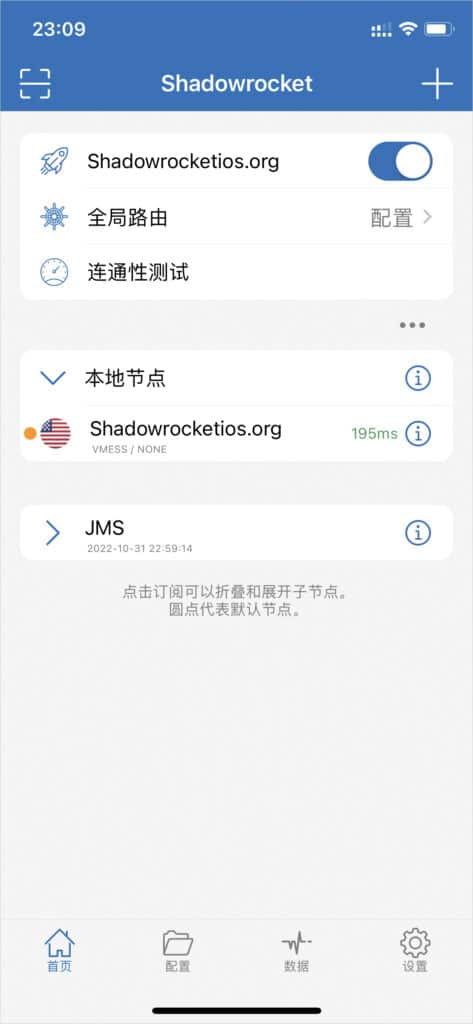
Global routing mode notes
The reference lists four global routing options: Configuration, Proxy, Direct, and Scene. Choose based on your subscription rules and access scenario.
- Configuration: follow configuration rules.
- Proxy: prefer proxy routing.
- Direct: prefer direct routing.
- Scene: switch according to scenario policies.