
Cross-platform clients
Covers Windows, macOS, Android, iOS, Linux, OpenWrt, and other common use cases.
 Clash
Clash
Client downloads · Setup tutorials · Troubleshooting
Clash is an open-source, cross-platform proxy tool with multi-protocol support and smart routing for Windows, macOS, Android, and iOS. It helps users set up fast, secure network access for cross-border connectivity and acceleration needs.
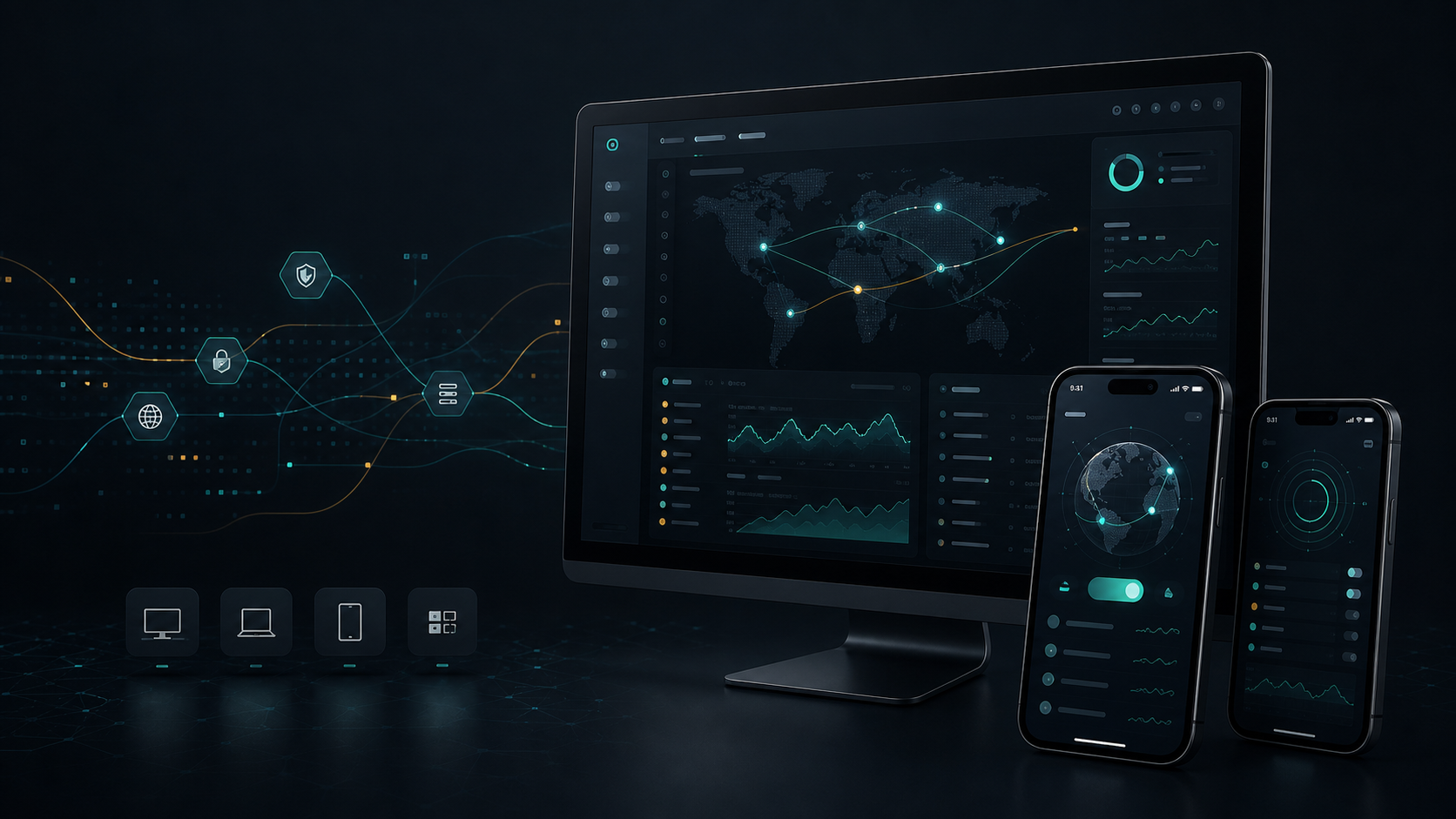
Core features
Clash is not just a download entry. Its real value is using profiles, rules, and policy groups to manage network access consistently across different devices.
Covers Windows, macOS, Android, iOS, Linux, OpenWrt, and other common use cases.

Compatible profiles can manage different protocols and node information, which is useful for users who need one setup across multiple devices.

Routes traffic by rule, domain, app scenario, or policy group, reducing the cost of manual switching.

Import a subscription URL, update the profile, inspect policy groups, and keep similar workflows across clients.

Beginners can start with system proxy, then learn TUN mode when more app traffic needs to be captured.

Use latency tests, logs, rule hits, and policy-group status to quickly tell whether a problem comes from configuration or the client.
Recommended download entries
Pick your system first, then check recommended clients, platform limits, and the next setup guide. Do not mix installers across operating systems.

For Windows 10/11 desktop users.

For MacBook, iMac, and Mac mini users.

For Android phones, tablets, and some TV boxes.

For iPhone and iPad users.
For desktop Linux, servers, soft routers, and OpenWrt users.
Beginner quick start
Most connection issues come from downloading the wrong build, not updating the subscription, leaving system proxy off, or not selecting a policy group.
FAQ
Clash is more accurately a rule-based proxy client. It imports configuration, selects policies, and handles traffic, but it is not the same as a proxy node service.
Clash often refers to the proxy ecosystem or core direction. Clash Verge Rev is one desktop graphical client that provides clearer configuration, policy, and system proxy controls.
Common causes include an incomplete subscription URL, expired subscription, inaccessible subscription source, outdated client, or incorrect system time. Copy the full link and update it manually once.
Switch back to rule mode first, update the subscription, and try another node. Then check DNS, system proxy, TUN, policy groups, and client logs.
TUN mode captures more traffic at the system network layer, which helps apps that do not read system proxy settings. It has higher permissions, so network issues also need more careful troubleshooting.